Unix Timestamp Converter & Epoch Pro
A fast and privacy-first Unix timestamp converter for developers, with smart 10/13-digit detection, timezone support, and quick conversion.
Features
Screenshots
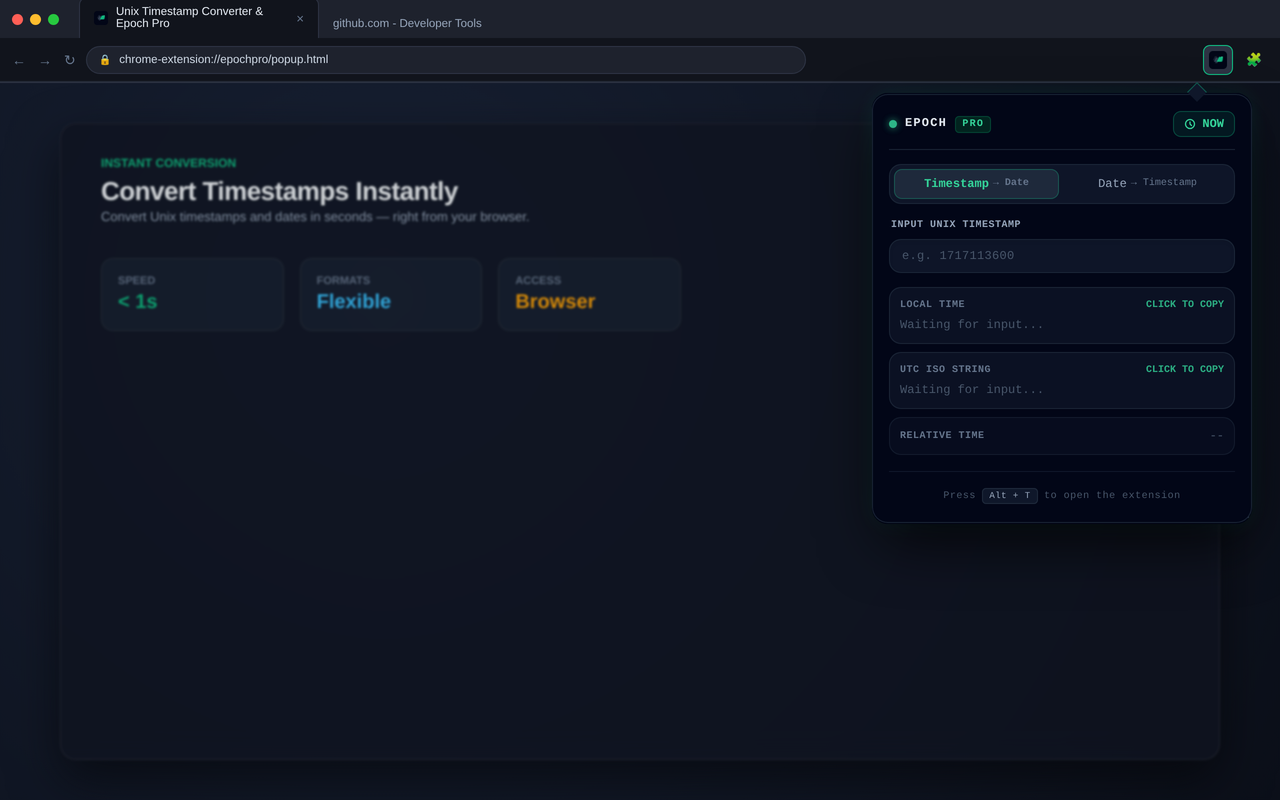
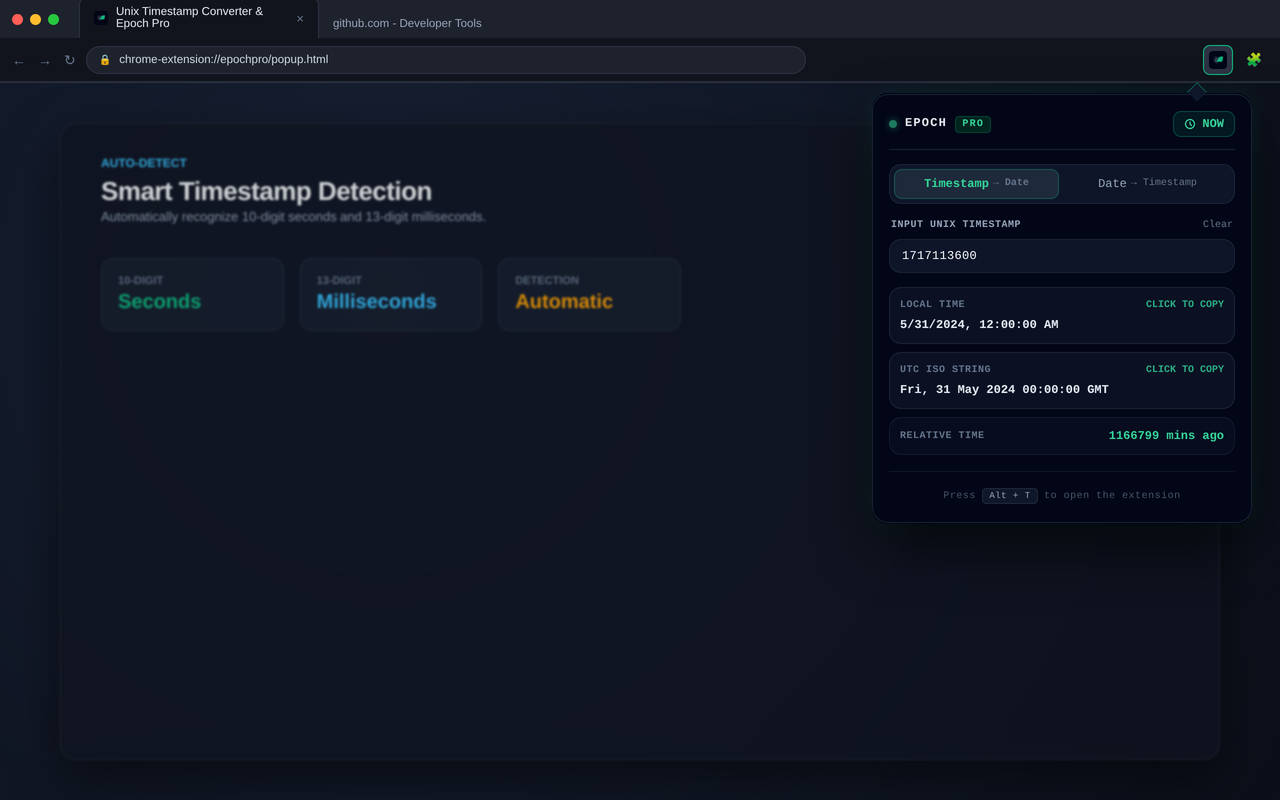
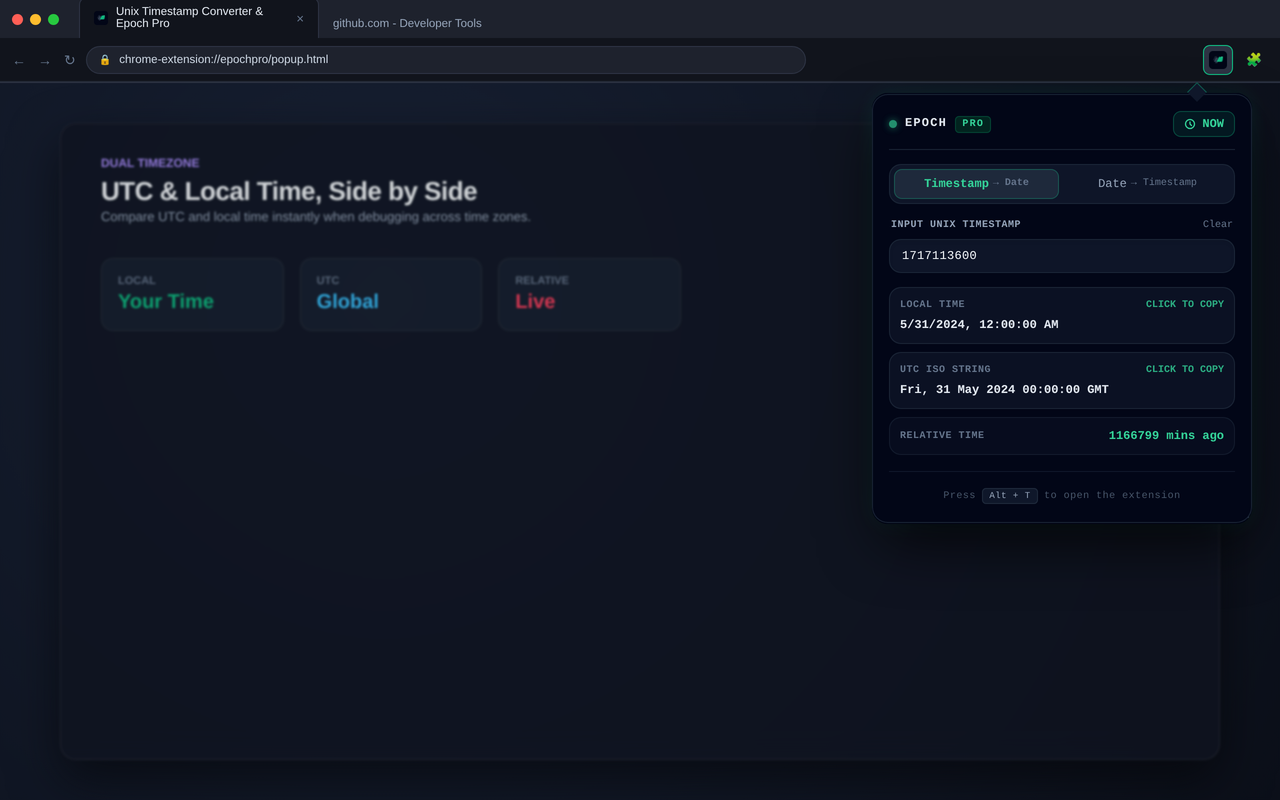
Fast and privacy-first Unix timestamp conversion built for developers.
Unix Timestamp Converter & Epoch Pro makes it easy to convert Unix timestamps and dates without leaving your browser.
It automatically detects common 10-digit and 13-digit Unix timestamps and provides clear local time, UTC time, and relative time information.
Built for developers
Unix timestamps appear everywhere in software development.
Whether you are debugging an API response, checking a database record, reading server logs, or working with distributed systems, converting timestamps should not require opening another website or switching between tools.
Unix Timestamp Converter & Epoch Pro keeps the conversion workflow directly in your browser.
Core features
Smart timestamp detection
Automatically recognizes the two most common Unix timestamp formats:
- 10-digit timestamps in seconds
- 13-digit timestamps in milliseconds
Timestamp conversion
Convert Unix timestamps into readable dates and times with a single glance.
Date conversion
Convert date and time values back into Unix timestamps when working with APIs, databases, logs, and backend systems.
Local and UTC time
View both local time and UTC time to quickly understand timestamps across different environments and time zones.
Relative time
See whether a timestamp is in the past or future with a human-readable relative time.
Selection-based conversion
Select a timestamp directly on a webpage and send it to the extension for quick conversion.
Fast and lightweight
Designed for quick everyday conversions without unnecessary interfaces or complicated configuration.
Privacy by design
All timestamp conversion happens locally in your browser.
Your timestamp values do not need to be uploaded to a remote server, making the extension suitable for working with development data, logs, API responses, and other potentially sensitive information.
Your timestamp data stays in your browser.
Useful for
Unix Timestamp Converter & Epoch Pro is designed for everyday development workflows, including:
- API responses
- Database records
- Server logs
- JSON data
- Debugging
- Distributed systems
- Backend development
- Data analysis
Whether you are investigating a production issue or simply checking a timestamp, the goal is to make the conversion immediate.
A simple workflow
Using Unix Timestamp Converter & Epoch Pro takes only a few seconds:
- Enter or select a Unix timestamp.
- Let the extension detect the timestamp format.
- View the local time, UTC time, and relative time.
- Convert dates back to timestamps when needed.
- Continue working without leaving your browser.
No external website required. No unnecessary workflow.
Open source
Unix Timestamp Converter & Epoch Pro is developed independently with a focus on speed, privacy, and a practical developer experience.
The source code is available on GitHub:
View Unix Timestamp Converter & Epoch Pro on GitHub
Built for everyday development
Unix Timestamp Converter & Epoch Pro is one of several small, focused developer tools I am building as an independent developer.
The goal is simple:
Build useful software that is fast, focused, and respectful of your privacy.