PulseTimer
A sleek, minimalist countdown timer and alarm for focused work, quick sessions, and everyday browser reminders.
Features
Screenshots
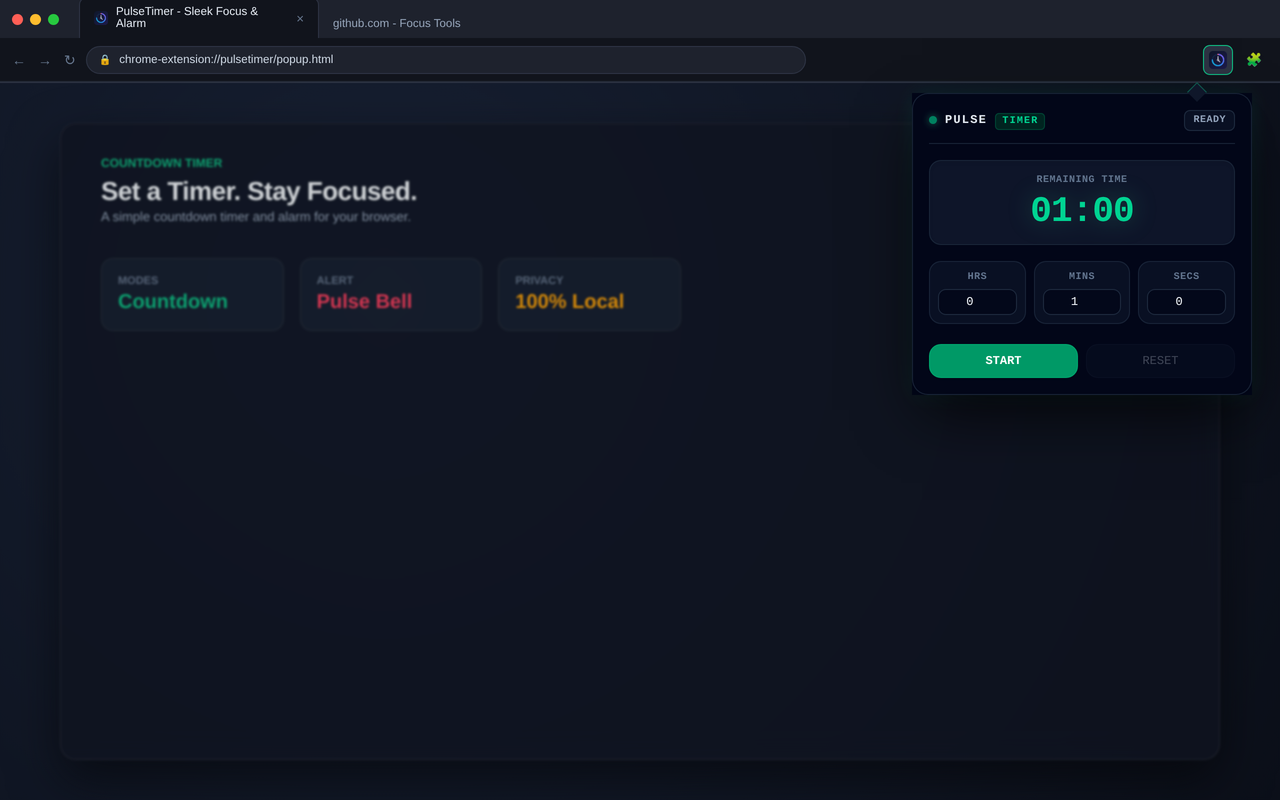
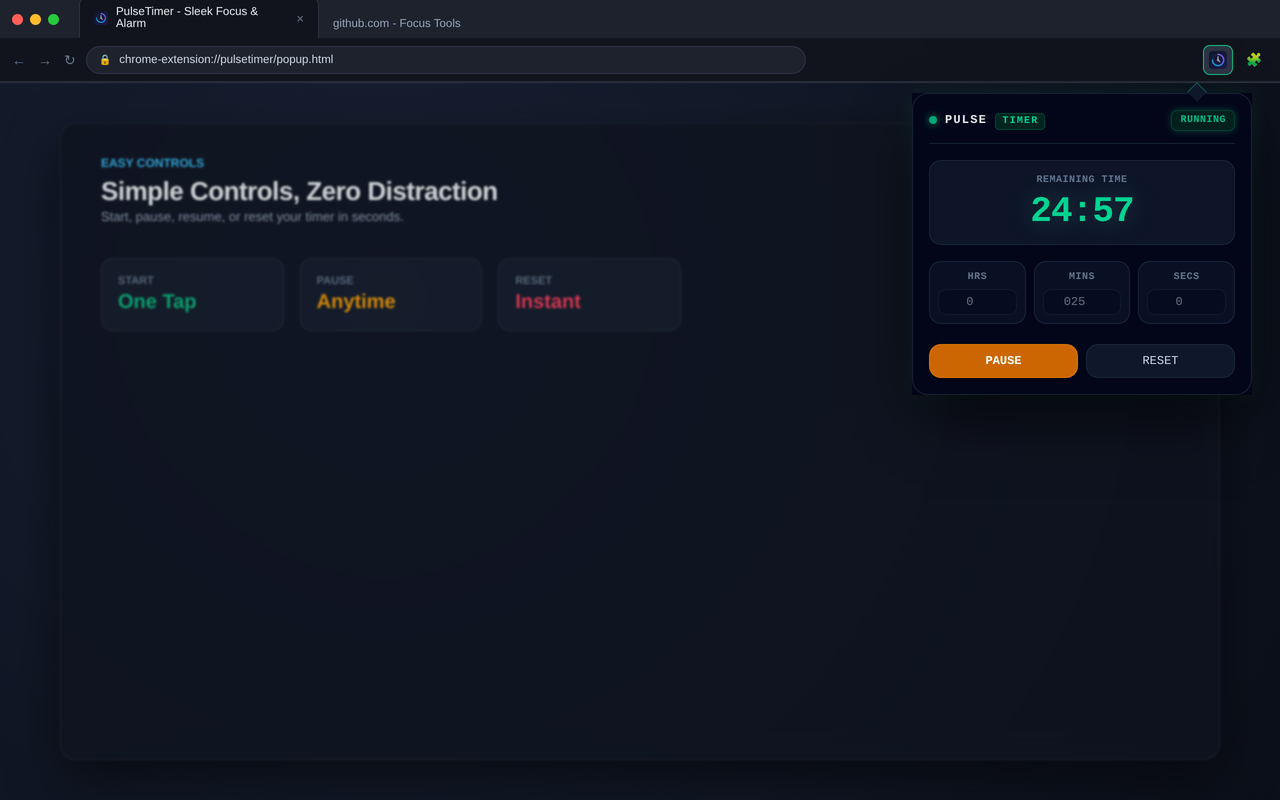
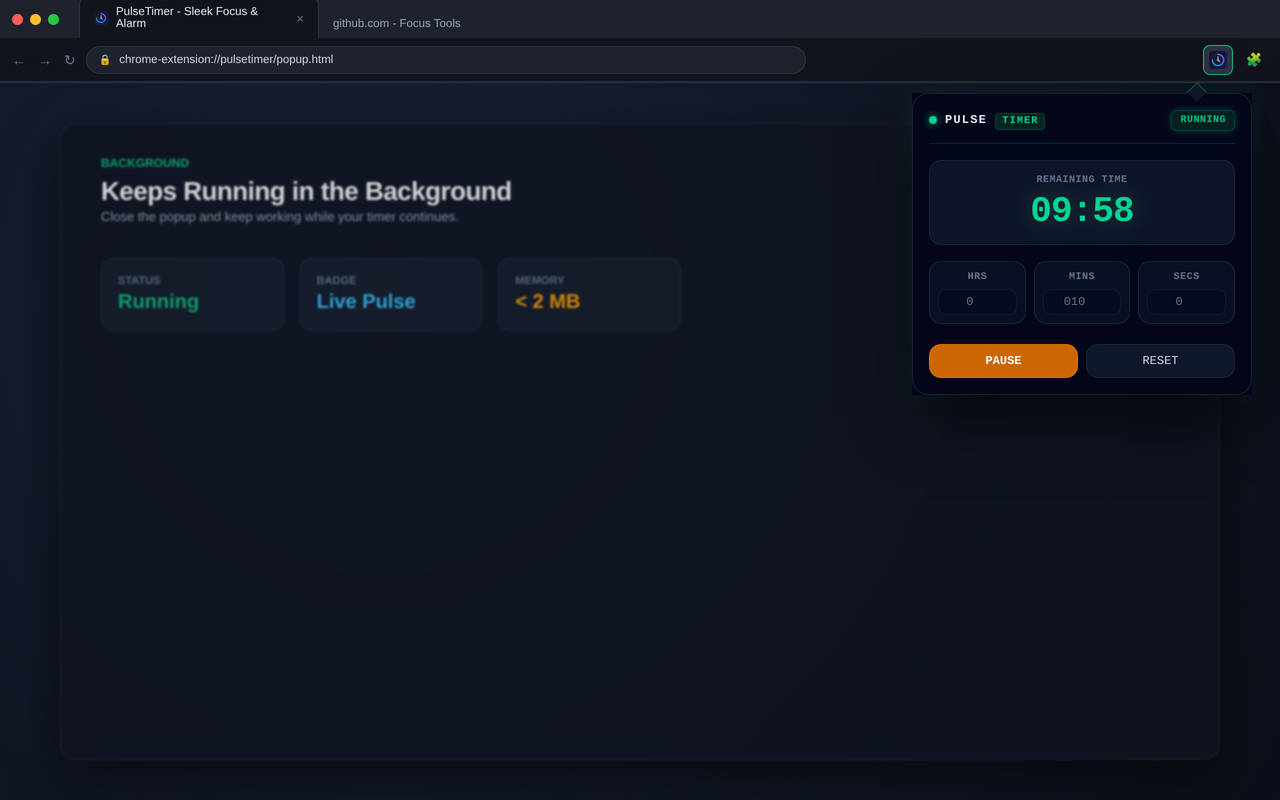
A sleek, minimalist countdown timer and alarm for focused work, quick sessions, and everyday browser reminders.
PulseTimer is designed for people who want a simple timer without opening another application or dealing with unnecessary complexity.
Set a countdown. Start a session. Get back to what you are doing.
Built for simplicity
Timers should not require complicated workflows.
PulseTimer keeps the experience focused on the essentials: set a duration, start the timer, and receive a reminder when the time is up.
Whether you are working on a short task, taking a break, preparing for a meeting, or simply need a quick reminder, PulseTimer stays out of your way.
Core features
Countdown timer
Start a countdown in seconds and keep the timer available while you work.
Alarms
Set reminders for tasks, breaks, meetings, or anything else that needs your attention.
Quick sessions
Create short countdowns without configuring complicated workflows or settings.
Minimal interface
PulseTimer keeps the interface focused on the timer itself.
No unnecessary dashboards, accounts, or complicated configuration.
Lightweight
Designed to be fast and lightweight, so it stays out of your way while you work.
Privacy by design
PulseTimer is designed with privacy in mind.
The extension does not require an account and does not need to send your timer data to a remote server.
Your timer experience stays local to your browser.
No account. No unnecessary data collection. Just a simple timer.
Useful for
PulseTimer works well for everyday situations such as:
- Focused work
- Short work sessions
- Break reminders
- Meetings
- Cooking
- Exercise
- Daily browser reminders
It is intentionally simple:
Set a timer and get on with your day.
A simple workflow
Using PulseTimer takes only a few seconds:
- Set the duration.
- Start the countdown.
- Continue with your task.
- Get notified when the timer finishes.
No complicated setup. No account required. No unnecessary workflow.
Open source
PulseTimer is developed independently with a focus on simplicity, privacy, and a lightweight browser experience.
The source code is available on GitHub:
Built for focused moments
PulseTimer is one of several small, focused tools I am building as an independent developer.
The goal is simple:
Build useful software that is fast, focused, and respectful of your privacy.