IndieResizer
A privacy-first batch image resizer and icon generator for indie hackers, developers, and creators.
Features
Screenshots
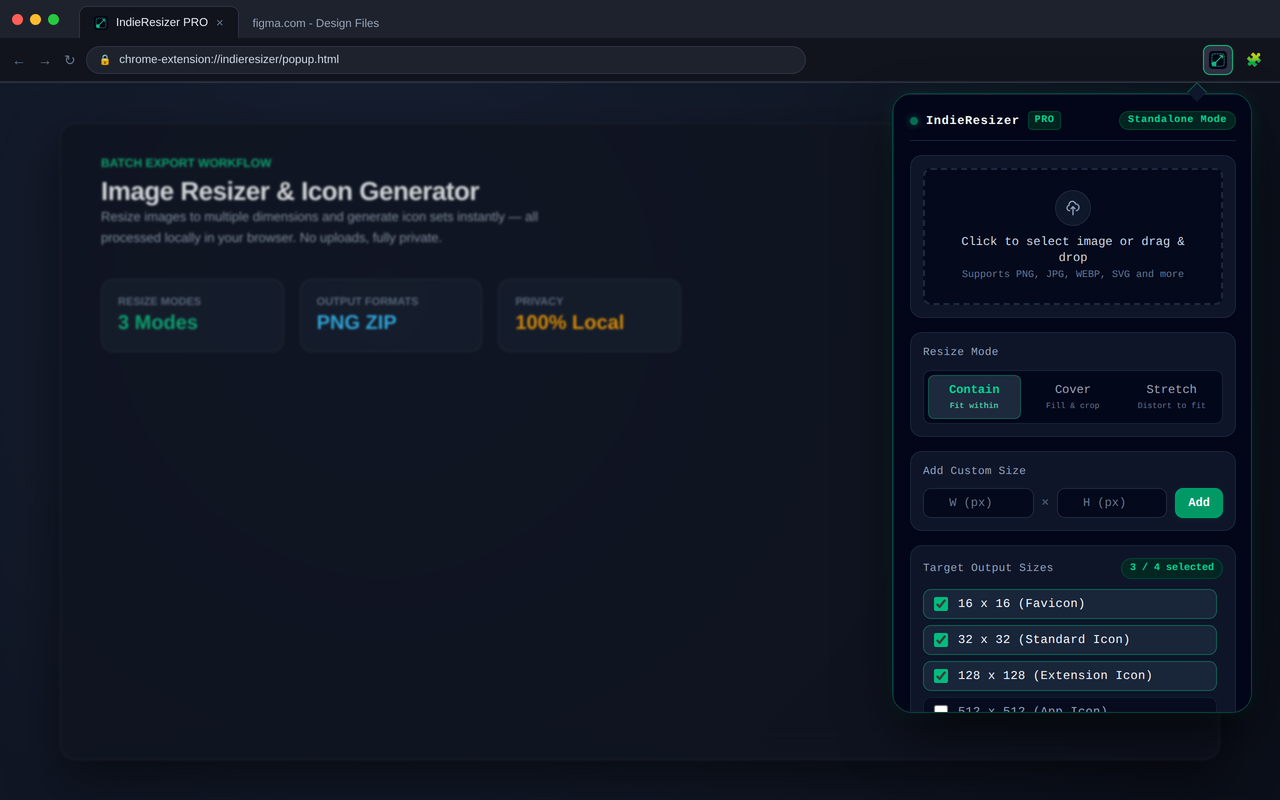
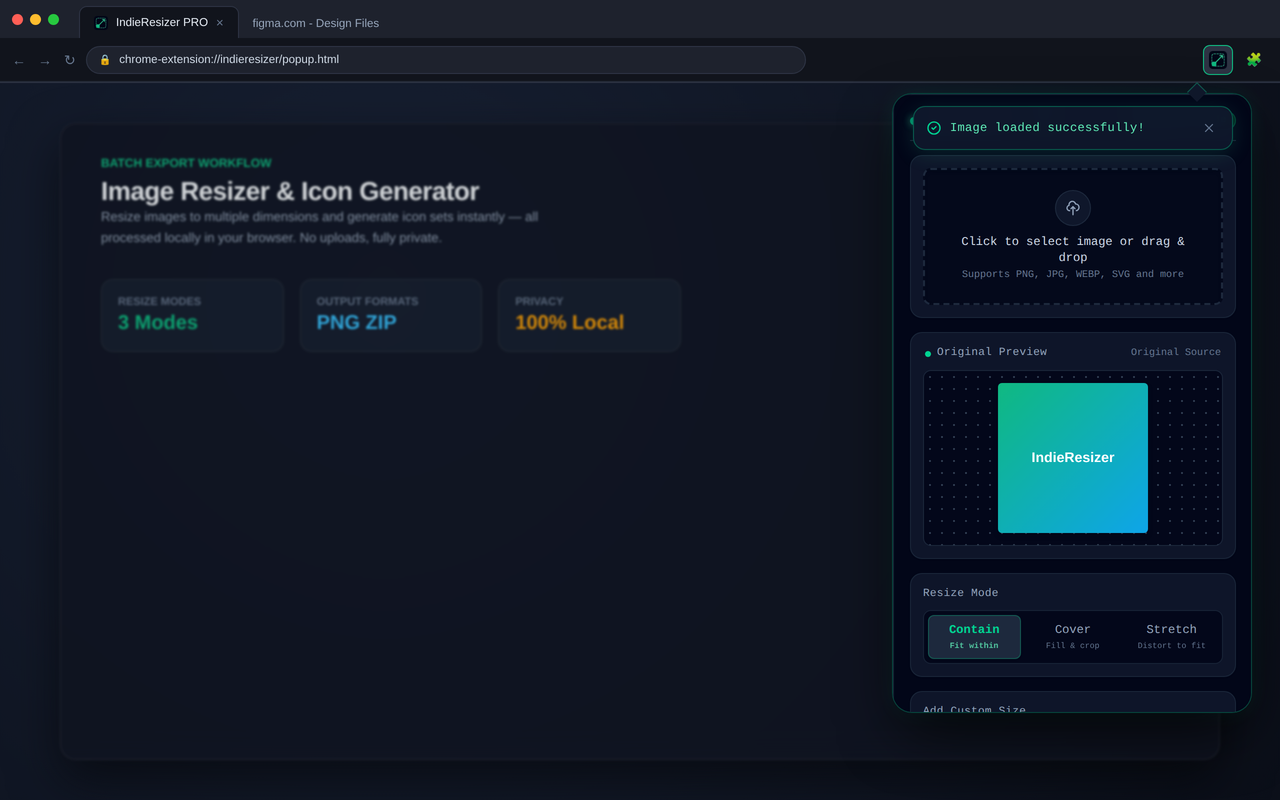
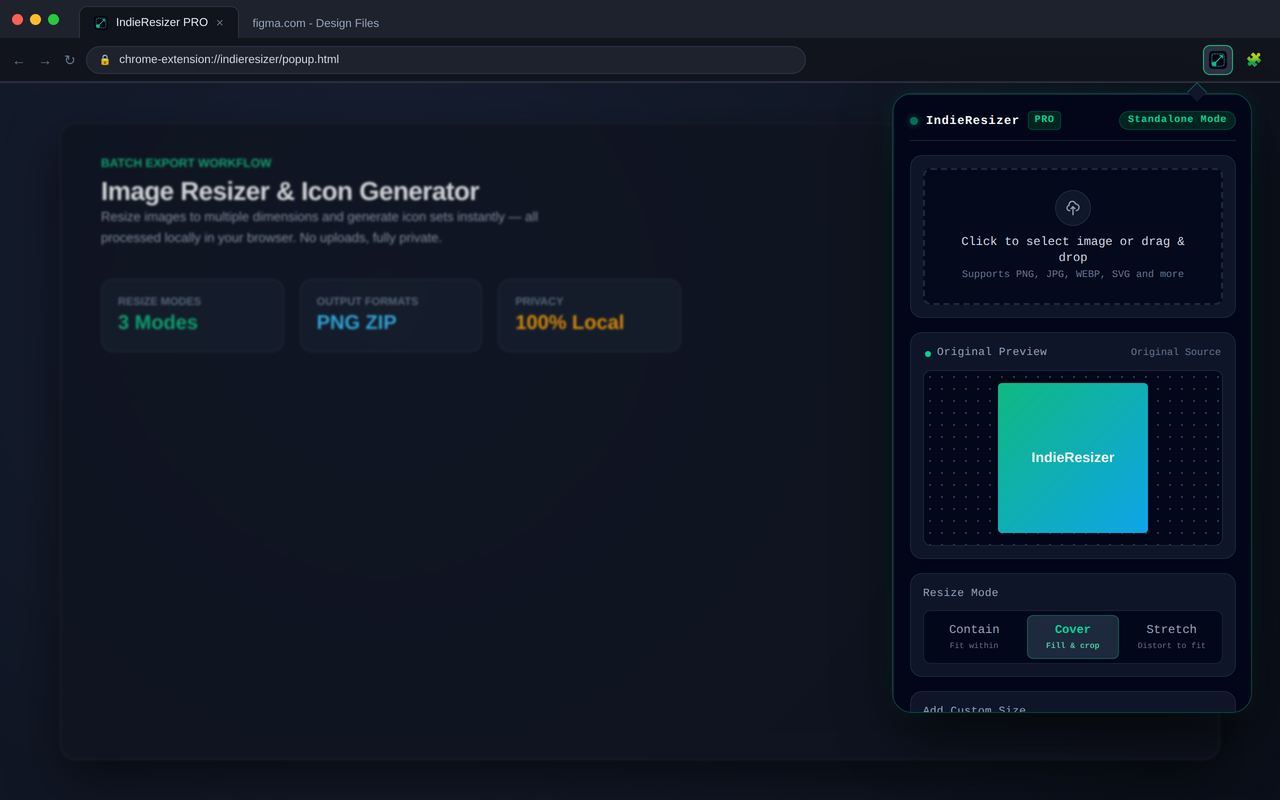
A privacy-first batch image resizer and icon generator for indie hackers, developers, and creators.
IndieResizer makes it easy to resize, crop, and generate multiple image sizes directly in your browser.
No uploads. No external servers. No complicated image-processing workflow.
Built for developers
Preparing images for different projects often means repeating the same resize and export operations over and over.
IndieResizer is designed to make that workflow faster and simpler.
Whether you are preparing assets for a browser extension, a web application, a mobile app, or a new SaaS product, you can process your images directly in the browser without sending them to a remote service.
Core features
Batch image resizing
Process multiple images in a single workflow instead of resizing files individually.
Multiple output sizes
Generate the image sizes you need for different projects, platforms, and development workflows.
Image cropping
Crop images before resizing to create cleaner and more consistent assets.
Icon generation
Generate multiple icon sizes from a source image for browser extensions, applications, developer tools, and digital products.
Local processing
Images are processed directly in your browser.
Your source files do not need to leave your device.
Privacy by design
Privacy is a core part of IndieResizer.
The extension does not require you to upload your images to a remote server. Image processing happens locally in the browser, keeping your source files on your device.
This makes IndieResizer a practical choice for working with:
- Private assets
- Unpublished product designs
- Application icons
- Website assets
- Internal project materials
- Client or proprietary images
Your images stay on your device while you work.
Useful for
IndieResizer is designed for people who regularly need to prepare image assets for:
- Browser extensions
- Web applications
- Mobile applications
- Developer tools
- SaaS products
- Open-source projects
- Personal websites
- Product launches
A simple workflow
The workflow is intentionally straightforward:
- Select your images.
- Choose the required output sizes.
- Crop or resize when needed.
- Generate the output files.
- Continue building your project.
No complicated configuration. No upload step. No external image-processing service.
Open source
IndieResizer is developed independently and built with a privacy-first approach.
The source code is available on GitHub:
Built for a simpler workflow
IndieResizer is one of several small developer-focused tools I am building as an independent developer.
The goal is simple:
Build useful software that is fast, focused, and respectful of your privacy.