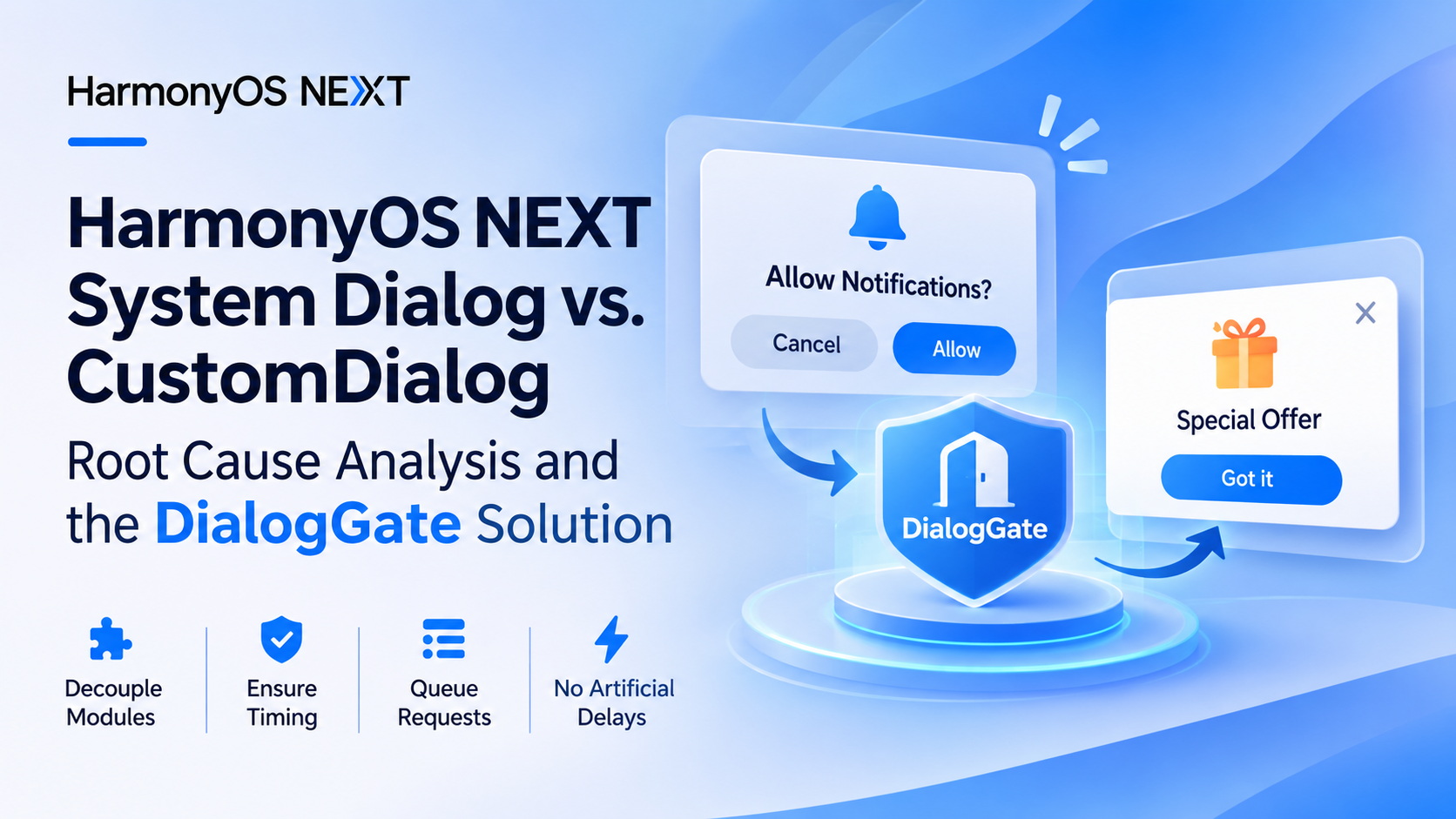
When developing applications for HarmonyOS NEXT (API 12+), you may encounter situations where system-level dialogs and application-level custom dialogs are triggered within the same time window.
One common example is a notification authorization dialog appearing at the same time as an ArkUI CustomDialogController dialog. In certain scenarios, the custom dialog may fail to appear even though dialogController.open() is called without throwing an exception.
This article uses notification authorization and ArkUI CustomDialog as an example to explain the underlying issue and introduce a decoupled solution based on a centralized dialog gate called DialogGate.
The solution separates system dialog management from business dialog presentation. The notification module does not need to know about business dialogs, and business modules do not need to know about notification authorization.
Environment:
- Platform: HarmonyOS NEXT
- API version: API 12+
- Notification module:
@kit.NotificationKit - UI module:
@kit.ArkUI - Relevant APIs:
notificationManager,CustomDialogController,promptAction - Project context: CoupleWorld (including dependencies such as
@amap/amap_lbs_map3d2.1.1)
1. Problem Description
The application contains two independent business workflows.
1. Notification authorization
When the application enters the home page, it checks whether notifications are enabled.
If notifications are disabled, the application calls:
notificationManager.requestEnableNotification(context);
This triggers the system notification authorization dialog.
2. Custom business dialogs
Different business modules display application-level dialogs through CustomDialogController, for example:
- New message notifications
- Promotional or activity dialogs
- Business operation confirmations
- Other in-app interaction dialogs
These workflows are maintained independently and do not directly depend on each other.
However, a timing conflict can occur:
- The home page initializes and checks notification authorization.
- Notifications are found to be disabled.
- The application requests notification authorization.
- The system displays the notification authorization dialog.
- Meanwhile, a business module attempts to display a custom dialog.
dialogController.open()is called, but the custom dialog does not appear. No obvious error is reported.
The key issue is that although these two workflows are logically independent, both ultimately require the window system to display their respective interfaces.
When a system-level dialog is active, an application-level dialog may fail to appear if it is opened at the wrong time.
2. Root Cause Analysis
2.1 Different window priorities
HarmonyOS supports different types of dialogs and windows.
System-managed security interactions, such as permission requests, notification authorization, and password vault operations, involve system-controlled security windows.
Application-level dialogs include components and APIs such as:
CustomDialogopenCustomDialogshowAlertDialogshowActionSheet- Toast notifications through
promptAction
These dialogs differ in their window management and presentation behavior.
System security windows have a higher display priority. In certain system interaction scenarios, attempting to display an application-level dialog while a system security window is active may prevent the application dialog from appearing as expected.
This does not mean that every system dialog and application dialog are universally incompatible. Their coexistence depends on the specific window types and platform behavior.
2.2 Why does CustomDialog.open() fail to display?
Consider the following code:
this.dialogController.open();
There is nothing inherently wrong with this call.
However, if it is executed while a system security window is being displayed, the ArkUI custom dialog may not complete its presentation as expected.
This issue can be difficult to troubleshoot because:
- Calling
open()does not necessarily throw an exception. - Business code cannot directly determine whether a system security window is still active.
- Notification authorization and business dialog presentation are usually managed by separate modules.
- Both modules may work correctly in isolation but fail when triggered concurrently.
Therefore, the problem is not primarily about changing the CustomDialog declaration. It is about coordinating when dialog-opening requests are executed.
2.3 Official documentation
Huawei’s official developer documentation also covers related issues:
- Permission request dialogs conflicting with custom dialogs (FAQ:
faqs-arkui-1225). - Custom dialogs not appearing due to timing conflicts with security-related windows (FAQ:
faqs-arkui-1069).
The second FAQ specifically discusses the timing relationship between system security windows and application-level dialogs such as CustomDialog.
Official references:
- HarmonyOS FAQ: Custom dialogs not appearing due to security window timing conflicts
- HarmonyOS Notification Management API Reference
3. Solution Design: The DialogGate Mechanism
Directly controlling business dialogs from the notification authorization module is not an ideal solution.
For example, making the notification module call business dialog methods after authorization would introduce direct dependencies between otherwise independent modules.
If additional system interactions are introduced later, such as camera permissions, location permissions, or other authorization requests, similar coordination logic would need to be duplicated across multiple modules.
A better approach is to introduce a centralized dialog scheduling mechanism.
3.1 Core design
Create a global singleton utility class called DialogGate.
Its responsibilities are intentionally simple:
hold(): Temporarily prevent new custom dialog requests from executing.release(): Release the gate and execute pending requests.run(): Provide a unified entry point for custom dialog opening requests.
The overall execution flow looks like this:
             System dialog request
                       |
                       v
               DialogGate.hold()
                       |
                       v
           System authorization dialog
                  is displayed
                       |
                       v
            Business dialog request
                       |
                       v
                DialogGate.run()
                       |
                       v
                Check gate state
                       |
                 +-----+-----+
                 |           |
              Held         Released
                 |           |
                 v           v
             Add to       Execute
              queue       immediately
                 |
                 v
          System dialog ends
                 |
                 v
           DialogGate.release()
                 |
                 v
          Execute pending requests
                 |
                 v
          CustomDialog.open()
With this approach, the notification module only needs to manage the gate, while business dialog modules only need to submit their opening requests through DialogGate.
Neither module needs to import or reference the other.
3.2 Implementing the DialogGate utility
Create the following file:
common/utils/DialogGate.ets
/**
 * Global dialog gate.
 *
 * Coordinates the presentation timing of system-level
 * dialogs and application-level CustomDialog instances.
 */
export class DialogGate {
  private static instance: DialogGate = new DialogGate();

  /**
   * Number of active gate holders.
   *
   * A counter is used instead of a boolean to prevent
   * concurrent system dialog workflows from releasing
   * the gate prematurely.
   */
  private holdCount: number = 0;

  /**
   * Pending custom dialog requests.
   */
  private pending: Array<() => void> = [];

  private constructor() {}

  static getInstance(): DialogGate {
    return DialogGate.instance;
  }

  /**
   * Acquire the gate.
   */
  hold(): void {
    this.holdCount++;
  }

  /**
   * Release the gate.
   */
  release(): void {
    if (this.holdCount <= 0) {
      return;
    }

    this.holdCount--;

    // Other workflows still hold the gate.
    if (this.holdCount > 0) {
      return;
    }

    const queue = this.pending;
    this.pending = [];

    // Execute pending requests in FIFO order.
    queue.forEach((fn: () => void) => {
      try {
        fn();
      } catch (error) {
        console.error(
          `DialogGate: Failed to execute dialog request: ${JSON.stringify(error)}`
        );
      }
    });
  }

  /**
   * Unified entry point for custom dialog requests.
   *
   * Queue the request while the gate is held.
   * Otherwise, execute it immediately.
   */
  run(fn: () => void): void {
    if (this.holdCount > 0) {
      this.pending.push(fn);
      return;
    }

    fn();
  }
}
There are two important design considerations.
First, use a counter instead of a boolean.
If notification authorization and another system permission request happen concurrently, multiple workflows may hold the gate at the same time.
With a simple boolean:
private holding: boolean = false;
One workflow could release the gate while another system dialog is still active.
Using holdCount prevents this premature release.
The pending queue is only released when all active holders have completed their workflows.
Second, use a queue to preserve request order.
While the gate is held, run() does not immediately execute the supplied callback. Instead, it stores the callback in the pending queue.
Once the gate is fully released, pending callbacks are executed in the order they were received.
One important distinction: this guarantees the invocation order of the callbacks, not the complete display lifecycle of multiple custom dialogs. If several business dialogs are queued, additional scheduling logic may be needed to ensure that only one is displayed at a time.
3.3 Notification module: Only manage hold / release
The notification authorization module does not need to know which custom dialogs exist in the application.
It also does not need to import any business dialog components.
Its only responsibility is to acquire the gate before starting the system authorization flow and release it when the asynchronous operation finishes.
Example:
import { notificationManager } from '@kit.NotificationKit';
import { BusinessError } from '@kit.BasicServicesKit';
import { common } from '@kit.AbilityKit';
import { DialogGate } from '../common/utils/DialogGate';

async requestNotificationPermission(): Promise<void> {
  try {
    const enabled = await notificationManager.isNotificationEnabled();

    if (enabled) {
      this.clearNotification();
      return;
    }

    const gate = DialogGate.getInstance();

    // Acquire the gate before requesting system authorization.
    gate.hold();

    try {
      const context = getContext(this) as common.UIAbilityContext;

      await notificationManager.requestEnableNotification(context);

      // Authorization succeeded.
      this.clearNotification();

    } catch (err) {
      const error = err as BusinessError;

      if (error.code === 1600004) {
        // Notifications are disabled.
        console.info('Notification is disabled.');

        // Handle the current notification state
        // according to the application's business requirements.
      } else {
        console.error(
          `Notification authorization failed: ${error.code}, ${error.message}`
        );
      }

    } finally {
      // Always release the gate.
      gate.release();
    }

  } catch (err) {
    console.error(
      `Failed to check notification status: ${JSON.stringify(err)}`
    );
  }
}
Using try / finally ensures that the gate is released regardless of whether authorization succeeds, fails, or throws an exception.
For API 12+, prefer the requestEnableNotification(context) overload that accepts a UIAbilityContext, rather than continuing to use the deprecated version without a Context parameter.
Important note about error code 1600004:
In the NotificationKit API, error code 1600004 indicates Notification disabled.
It should not automatically be interpreted as proof that the user has permanently denied notification authorization.
The application should distinguish the actual API error from its own business-level interpretation of the user’s authorization state.
3.4 Business dialog modules: Change only the opening entry point
This is where the solution has the least impact on existing business code.
Original implementation:
this.dialogController.open();
Updated implementation:
DialogGate.getInstance().run(() => {
  this.dialogController.open();
});
No other changes are required to the existing dialog declaration, UI structure, or closing logic.
For example:
@Entry
@Component
struct Index {
  private dialogController: CustomDialogController =
    new CustomDialogController({
      builder: MessageDialog(),
      autoCancel: true
    });

  showMessageDialog(): void {
    DialogGate.getInstance().run(() => {
      this.dialogController.open();
    });
  }

  build() {
    Column() {
      Button('Show Message Dialog')
        .onClick(() => {
          this.showMessageDialog();
        });
    }
  }
}
The CustomDialogController must still follow ArkUI’s component declaration and initialization requirements.
DialogGate only controls when open() is invoked. It does not change the controller’s lifecycle or initialization mechanism.
4. Important Timing and Edge Cases
After introducing the dialog gate, several practical edge cases should also be considered.
4.1 Release the gate only after the system dialog flow completes
Avoid directly calling:
this.dialogController.open();
inside the notification authorization success callback.
The business callback and the actual dismissal of the system window may not occur at exactly the same point in time.
Instead, wait for the authorization Promise to settle and release the gate in finally.
This provides a consistent way to handle successful authorization, rejected requests, and unexpected errors.
4.2 Do not introduce artificial delays when authorization is already enabled
If isNotificationEnabled() indicates that notifications are already enabled, there is no need to acquire the gate.
The application can continue with its normal business logic immediately.
For other authorization outcomes, rely on the actual Promise result returned by the API.
The DialogGate implementation does not use:
setTimeout()
It does not rely on fixed waiting periods to guess when the system dialog has disappeared.
Keep in mind that Promise callbacks are asynchronous. Even if a Promise settles quickly, its callbacks are not necessarily executed within the current synchronous call stack.
The goal here is to avoid artificial timer-based delays, not to guarantee synchronous execution.
4.3 Reuse the same mechanism for permission requests
The same approach can also be applied to other system-level interactions, including:
abilityAccessCtrl.requestPermissionsFromUser()- Camera permission requests
- Location permission requests
- Microphone permission requests
- Other authorization flows involving system security windows
For example:
const gate = DialogGate.getInstance();

gate.hold();

try {
  await abilityAccessCtrl.requestPermissionsFromUser(
    context,
    permissions
  );

} catch (err) {
  console.error(`Permission request failed: ${JSON.stringify(err)}`);

} finally {
  gate.release();
}
The permission module only needs to manage its own authorization flow. It does not need to know how business dialogs are implemented.
4.4 Reverse timing: A custom dialog opens first
Another possible scenario is:
- A business module calls
CustomDialogController.open(). - The custom dialog is displayed successfully.
- The notification authorization flow starts afterward.
- The system dialog is displayed.
In this case, the system security window has a higher display priority and can cover the application-level dialog.
Therefore, DialogGate does not need to proactively close an already-open custom dialog or recreate it after the system dialog disappears.
The actual behavior should still be verified against the target device and HarmonyOS version.
4.5 Multiple business dialogs enter the pending queue
The current DialogGate implementation invokes queued callbacks in FIFO order.
However, it is important to understand what this code does:
queue.forEach(fn => fn());
It guarantees the order in which callback functions are invoked. It does not wait for the previous CustomDialog to close before invoking the next one.
If multiple business dialogs can be queued simultaneously, consider introducing an additional dialog scheduler with policies such as:
- Allow only one business dialog to be displayed at a time.
- Merge duplicate dialog requests.
- Display dialogs according to business priority.
- Notify the scheduler when the current dialog closes so that the next one can be displayed.
For applications with only one pending business dialog at a time, or where the business layer already guarantees mutual exclusion, the current implementation may be sufficient.
Also note that queued callbacks retain references to their associated components and controllers. If a page is destroyed or navigation occurs while a system dialog is active, the application should verify that the page and controller are still valid before calling open().
5. Benefits and Applicable Scenarios
Compared with handling system dialog conflicts independently in each business module, DialogGate provides several advantages.
| Aspect | Direct handling | DialogGate |
|---|---|---|
| Module coupling | May require cross-module dependencies | Independent modules |
| Dialog invocation | Managed separately | Unified entry point |
| Concurrent requests | Distributed handling | Centralized coordination |
| Pending requests | Requires custom handling | Built-in queue |
| Artificial delays | Often introduced as workarounds | Not required |
| Extensibility | Additional logic for each system dialog | Reuse hold/release |
This approach is particularly useful when:
- An application contains multiple independent system permission workflows.
- Multiple business modules can trigger
CustomDialog. - System authorization modules should not depend on UI business modules.
- A unified entry point for application-level dialogs is desirable.
- The project is growing and requires more centralized dialog management.
It is important to understand that DialogGate solves the timing coordination problem between system dialogs and application-level dialogs. It does not replace ArkUI’s own dialog lifecycle management or handle business-level dialog priorities.
6. Conclusion
In HarmonyOS NEXT, system-level security windows and application-level custom dialogs are managed through different window mechanisms.
When both are triggered within the same time window, a call to CustomDialogController.open() may not result in the expected dialog presentation.
Simply modifying the business dialog implementation does not address the underlying timing problem.
By introducing a global singleton called DialogGate, we can separate system dialog timing from business dialog presentation.
The responsibilities become straightforward:
- System authorization modules manage
hold()andrelease(). - Business dialog modules use
run()to request dialog presentation. - While the gate is held, new business dialog requests are added to a pending queue.
- Once all system dialog workflows complete, pending requests are automatically released.
This design requires only a lightweight utility class. It eliminates direct dependencies between notification authorization and business dialog modules, without relying on arbitrary timer-based delays.
The key idea: System dialogs manage timing, business dialogs manage presentation, and DialogGate coordinates the two through a unified interface.
The same design can also be extended to other system-level interactions in HarmonyOS applications, providing a more consistent and maintainable approach to application-level dialog scheduling.
References
- HarmonyOS FAQ: Resolving Custom Dialog Display Issues Caused by Security Window Timing
- HarmonyOS Notification Management API Reference
- HarmonyOS ArkUI: Custom Dialog Best Practices
Originally documented on November 10, 2026. Based on a practical issue encountered during CoupleWorld development. Code examples should be verified against the target API version and application lifecycle requirements.