Introduction
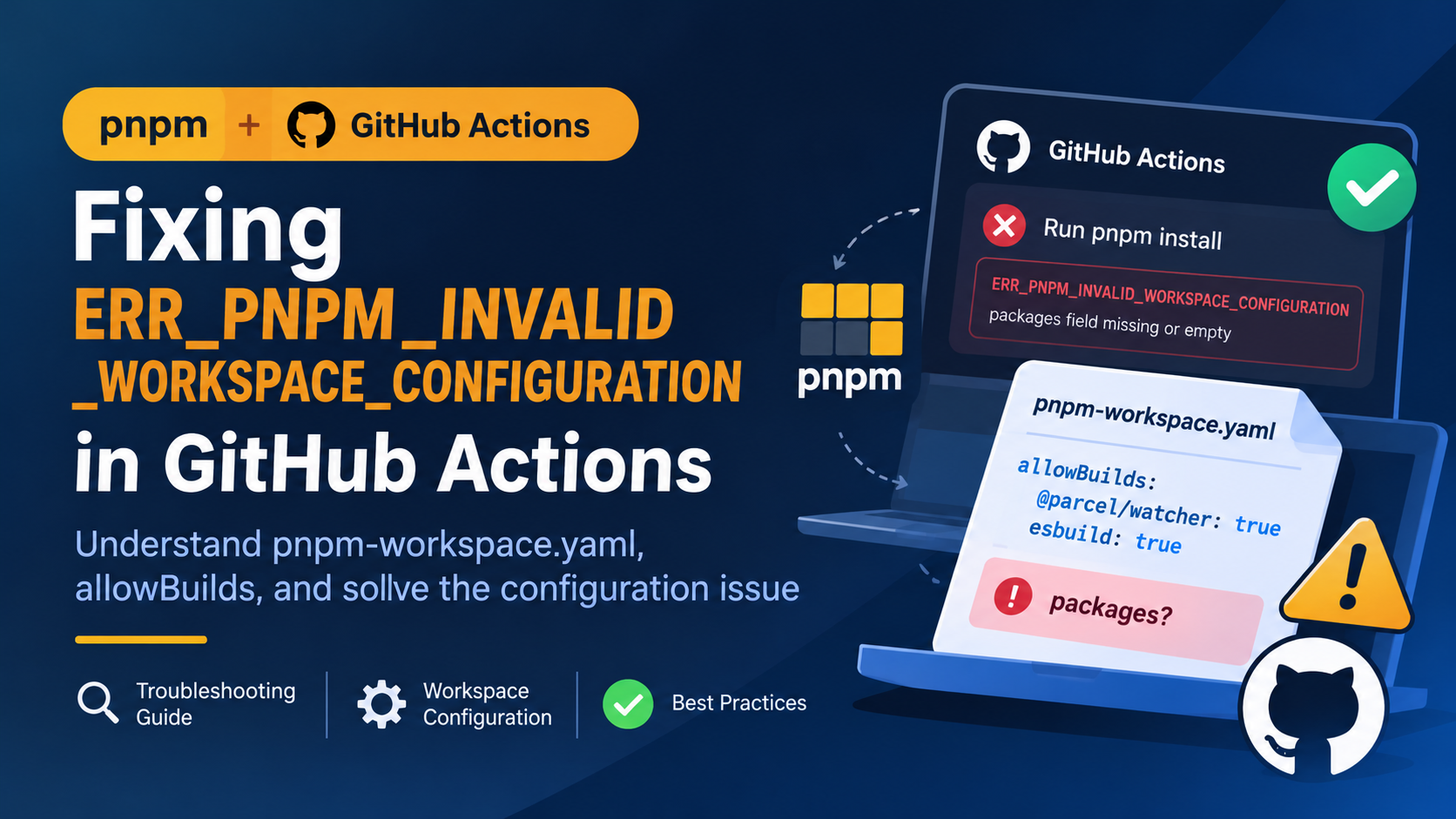
Recently, one of my GitHub Actions workflows failed during dependency installation:
Run pnpm install

ERR_PNPM_INVALID_WORKSPACE_CONFIGURATION
packages field missing or empty
What made this issue confusing was that running pnpm install locally worked without any problems.
At first, I suspected that GitHub Actions was using frozen lockfile mode and that disabling it might solve the problem. However, after investigating the configuration, I found that the issue was related to pnpm-workspace.yaml rather than the lockfile itself.
This article documents the troubleshooting process and explains the relationship between pnpm workspaces, dependency build permissions, and CI environments.
1. Understanding the Error
The error message:
ERR_PNPM_INVALID_WORKSPACE_CONFIGURATION
packages field missing or empty
indicates that pnpm encountered a workspace configuration it could not accept.
The relevant configuration file in my project was:
allowBuilds:
  '@parcel/watcher': true
  esbuild: true
Notice that the file contained only an allowBuilds property.
There was no packages property.
This raised two questions:
- Why did a regular single-package project have a
pnpm-workspace.yamlfile? - Why did pnpm report a workspace configuration error when the project did not actually use a Monorepo structure?
To understand the problem, we first need to understand what this file does.
2. What Is pnpm-workspace.yaml?
pnpm-workspace.yaml is the configuration file pnpm uses to define workspace-level settings and manage multiple packages within a repository.
A typical Monorepo configuration looks like this:
packages:
  - 'packages/*'
  - 'apps/*'
Each matching directory can contain an independent package.json.
For example:
my-project/
├── package.json
├── pnpm-workspace.yaml
├── pnpm-lock.yaml
├── apps/
│   ├── web/
│   │   └── package.json
│   └── admin/
│       └── package.json
└── packages/
    ├── ui/
    │   └── package.json
    └── utils/
        └── package.json
This allows multiple projects to share dependencies and be managed from a single repository.
However, pnpm-workspace.yaml is not exclusively used to declare package directories. It also stores various pnpm configuration settings, including dependency build permissions.
That distinction is important for understanding this particular issue.
3. Why Was pnpm-workspace.yaml Created?
The key to this problem was the following configuration:
allowBuilds:
  '@parcel/watcher': true
  esbuild: true
These settings are related to pnpm’s dependency build-script approval mechanism.
Modern pnpm versions provide security controls for dependency lifecycle scripts, such as:
preinstallinstallpostinstall
These scripts can execute code during dependency installation. Restricting their execution helps reduce supply-chain security risks.
When dependencies have build scripts that have not yet been reviewed, pnpm can request approval.
You can use:
pnpm approve-builds
This command allows you to review dependencies and decide which packages are permitted to execute their build scripts.
The approval decisions are recorded in pnpm-workspace.yaml.
For example:
allowBuilds:
  '@parcel/watcher': true
  esbuild: true
Here:
truemeans the dependency is allowed to execute its build scripts.falsemeans the dependency is explicitly denied permission.
Therefore, even if a project does not use a Monorepo structure, it may still need pnpm-workspace.yaml to store dependency build permissions.
Important: Do not assume that this file was created because you initialized a Monorepo. Running pnpm approve-builds or encountering unreviewed dependency build scripts during installation can also result in this configuration being written.
4. Why Does Local Installation Work but GitHub Actions Fail?
This was the most confusing part of the troubleshooting process.
The same command produced different results:
pnpm install
Installation completed successfully.
ERR_PNPM_INVALID_WORKSPACE_CONFIGURATION
packages field missing or empty
There are several things worth checking.
4.1 Different pnpm Versions
The first thing to investigate is whether the local environment and GitHub Actions are using the same pnpm version.
Check locally:
pnpm --version
Then check the version inside GitHub Actions:
- name: Check environment
  run: |
    node --version
    pnpm --version
Different pnpm versions may have different workspace configuration validation and dependency build approval behavior.
This is especially important when a project is developed locally with one pnpm version but installed in CI with another.
4.2 Different Installation Environments
Local environments may already contain:
- An existing
node_modulesdirectory. - Previously downloaded packages.
- Cached package artifacts.
- Existing pnpm configuration.
GitHub Actions generally starts with a clean runner unless dependency caching is configured.
Consequently, the installation process may exercise different code paths.
However, this does not mean that local installation automatically ignores invalid workspace configuration. It is important to compare the pnpm versions and reproduce the installation using a clean environment before drawing that conclusion.
4.3 Check the GitHub Actions Configuration
A typical workflow may look like this:
name: CI

on:
  push:
    branches:
      - main
  pull_request:

jobs:
  build:
    runs-on: ubuntu-latest

    steps:
      - name: Checkout repository
        uses: actions/checkout@v4

      - name: Setup Node.js
        uses: actions/setup-node@v4
        with:
          node-version: 22

      - name: Setup pnpm
        uses: pnpm/action-setup@v4
        with:
          version: 10

      - name: Install dependencies
        run: pnpm install

      - name: Build
        run: pnpm build
For reproducible builds, use a consistent pnpm version across local development and CI rather than relying on an unspecified version.
5. Does Frozen Lockfile Mode Cause This Error?
Initially, I suspected that GitHub Actions was failing because of frozen lockfile mode.
In CI environments, pnpm commonly enables --frozen-lockfile automatically when a lockfile exists.
You can explicitly disable it:
pnpm install --no-frozen-lockfile
However, this is not a reliable solution to an invalid workspace configuration.
There are two separate concepts:
| Configuration | Purpose |
|---|---|
--frozen-lockfile | Prevents pnpm from modifying the lockfile during installation |
pnpm-workspace.yaml | Stores workspace definitions and pnpm settings |
Disabling frozen lockfile mode does not repair an invalid workspace configuration.
It may also allow the lockfile to change during CI installation, making builds less reproducible.
Recommendation: Keep frozen lockfile mode enabled in CI unless there is a specific reason to disable it. Fix the underlying configuration instead.
6. How to Fix the Problem
The correct solution depends on whether your project actually uses a workspace.
Solution A: Keep pnpm-workspace.yaml
If you need allowBuilds to manage dependency build permissions, keeping the configuration file is perfectly reasonable.
For a Monorepo, declare the actual package directories:
packages:
  - 'packages/*'
  - 'apps/*'

allowBuilds:
  '@parcel/watcher': true
  esbuild: true
For a single-package project, do not invent package directories just to satisfy the configuration.
Check the documentation for the exact pnpm version you use. Current pnpm documentation allows the packages field to be omitted, in which case only the root package belongs to the workspace. Older versions or other configuration constraints may behave differently.
If your installed version explicitly rejects the missing or empty field, first verify the version and its supported workspace syntax rather than blindly adding an empty array.
Solution B: Remove pnpm-workspace.yaml
If your project does not need workspace-level configuration or dependency build approvals, you can remove the file.
rm pnpm-workspace.yaml
Then test the installation:
pnpm install
However, be aware that removing the file also removes the allowBuilds approval configuration.
If your dependencies require build scripts, you must configure their permissions using a mechanism supported by your pnpm version.
Do not assume that moving allowBuilds into the root package.json is a universal replacement. Its documented configuration location is pnpm-workspace.yaml.
7. How to Reproduce the Problem Locally
To investigate differences between local and CI environments, start with the following checks:
# Check Node.js version
node --version

# Check pnpm version
pnpm --version

# Inspect workspace configuration
cat pnpm-workspace.yaml

# Check package manager declaration
cat package.json
You can also perform a clean installation after preserving your existing lockfile:
rm -rf node_modules
pnpm install --frozen-lockfile
This helps determine whether the problem is related to existing installation artifacts.
Avoid deleting pnpm-lock.yaml just to reproduce the issue. Doing so may introduce unrelated dependency resolution changes.
8. Key Takeaways
This troubleshooting experience highlights several important points:
pnpm-workspace.yamlis not only for Monorepos. It can also store pnpm configuration, including dependency build permissions.allowBuildscontrols dependency lifecycle script permissions. It helps prevent unreviewed dependencies from executing arbitrary installation scripts.- Local and CI environments should use consistent pnpm versions. Version differences can lead to different installation behavior.
- Frozen lockfile mode is not the root cause of workspace configuration errors. Disabling it does not repair an invalid configuration.
- Do not remove configuration files blindly. Understand why they exist before deciding whether they are necessary.
The most important lesson is to distinguish between workspace configuration problems and lockfile problems. They are separate mechanisms, and changing one does not necessarily fix the other.