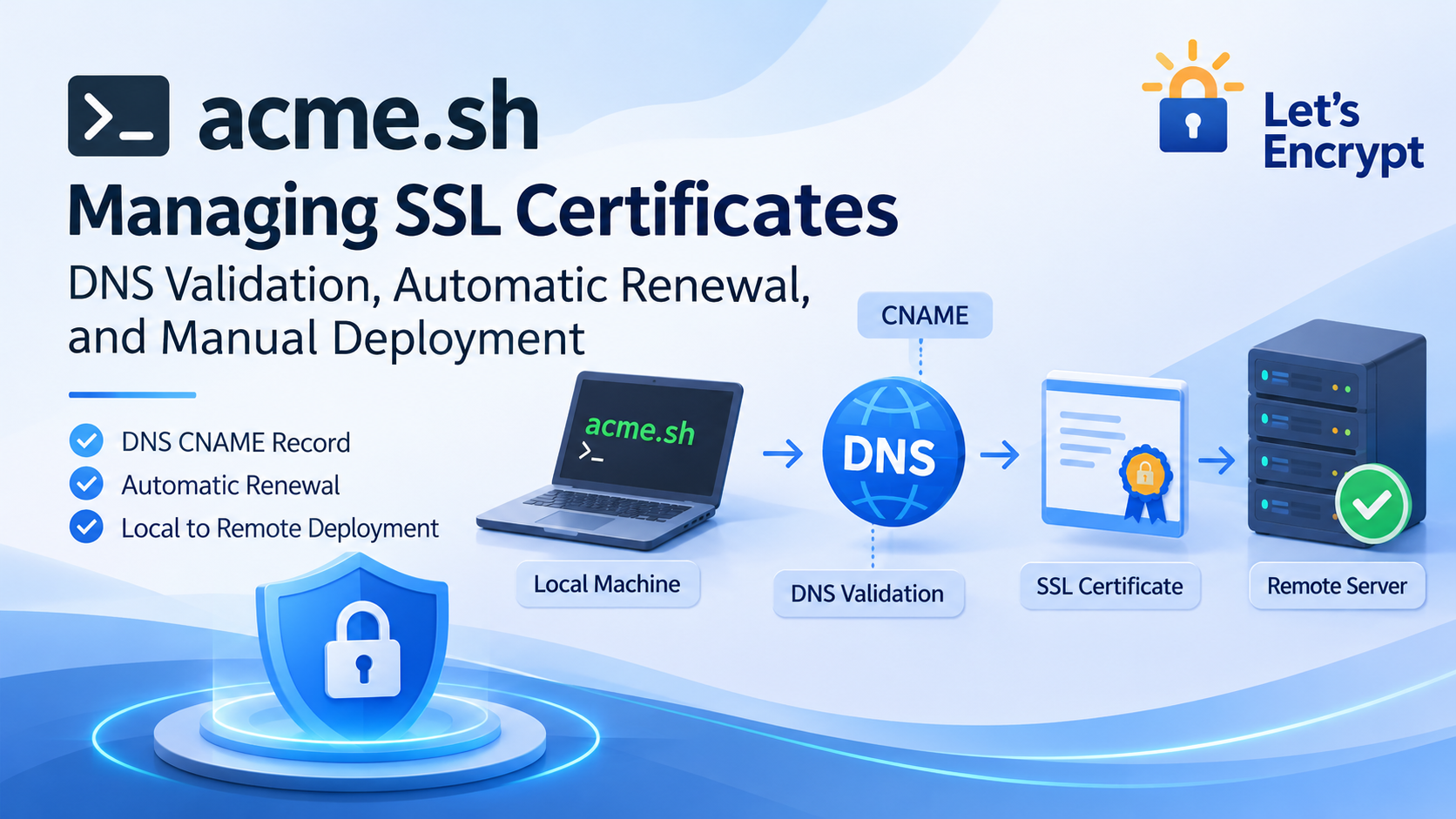
1. Background: Issue Certificates Locally and Deploy Them Manually
When managing SSL/TLS certificates with acme.sh, DNS-01 validation is a convenient way to obtain certificates from certificate authorities such as Let’s Encrypt.
Unlike HTTP-01 validation, DNS-01 does not require a dedicated validation endpoint on your web server. It also allows you to issue certificates without running the certificate management process directly on your production server.
My current workflow looks like this:
- Install acme.sh on my local machine.
- Request a Let’s Encrypt certificate using DNS validation.
- Configure a DNS CNAME record to delegate the DNS validation process.
- Manually transfer the issued certificate files to a remote server.
- Configure Nginx or another web server to use the new certificates.
This approach keeps certificate management separate from the production environment. There is no need to install acme.sh on the remote server.
However, it raises two important questions:
- Can the DNS CNAME validation record be deleted after the certificate has been issued?
- Is it necessary to keep the automatic renewal Cron job enabled when certificates are deployed manually?
Let’s look at both questions.
2. Can You Delete the DNS CNAME Record After Validation?
Yes, you can delete it, but you need to understand how this affects future renewals.
The purpose of DNS-01 validation is to prove that you control the domain name for which you are requesting a certificate.
During the validation process, Let’s Encrypt checks a specific DNS TXT record to verify domain ownership.
When using CNAME delegation, the validation process typically looks like this:
_acme-challenge.example.com
              |
              | CNAME
              v
_acme-challenge.validation.example.net
              |
              | TXT
              v
       DNS Verification
              |
              v
       Certificate Issued
The CNAME record redirects the original validation hostname to another DNS name where the required TXT record is maintained.
Once the certificate has been successfully issued, the CA does not continuously check this CNAME record when visitors access your website.
Therefore:
- Deleting the CNAME record does not immediately invalidate an already-issued certificate.
- It does not affect normal HTTPS traffic.
- However, the next DNS-01 validation or renewal may fail because the original DNS delegation is no longer available.
When Should You Keep the CNAME Record?
If you use acme.sh for automatic certificate renewal and want the entire process to run without manual intervention, you should keep the CNAME record permanently.
During future renewals, acme.sh still needs to complete DNS validation to prove domain ownership.
Removing the CNAME record may prevent this process from succeeding.
When Is It Safe to Delete the CNAME Record?
If you prefer to manage certificates manually, you can delete the CNAME record after successfully issuing a certificate.
However, remember:
You must restore the correct CNAME record before the next DNS validation or renewal attempt and allow time for DNS propagation.
Deleting the record does not eliminate the need for DNS configuration. It simply makes DNS record management a manual task.
3. Check Whether acme.sh Automatic Renewal Is Configured
During a typical installation, acme.sh automatically creates a Cron job to check certificate expiration and handle renewals.
You can check whether this task exists by running:
crontab -l
If you see an entry similar to the following:
56 0 * * * "/root/.acme.sh"/acme.sh --cron --home "/root/.acme.sh" > /dev/null
It means that an automatic renewal check has been configured.
This task typically runs once a day and checks whether any managed certificates need renewal.
It is important to understand that several independent processes are involved:
- Cron: Periodically triggers the renewal check.
- acme.sh: Determines whether a certificate needs renewal and performs the renewal.
- DNS validation: Proves domain ownership during certificate issuance or renewal.
- Certificate deployment: Installs the renewed certificate in the actual production environment.
These processes are related, but they are not the same thing.
Having automatic renewal enabled does not automatically update certificates on a remote server.
4. Do You Need Automatic Renewal When Issuing Certificates Locally?
This is the most important consideration for my particular setup.
My certificate management workflow looks like this:
Local Machine
      |
      v
   acme.sh
      |
      v
 DNS Validation
      |
      v
 Certificate Issued
      |
      v
 Manual Download / Copy
      |
      v
 Remote Server
      |
      v
 Nginx / HTTPS
In this architecture, local certificate renewal and remote certificate deployment are not connected.
For example:
- acme.sh runs its daily renewal check locally.
- The certificate reaches its renewal threshold.
- acme.sh successfully obtains a renewed certificate.
- The new certificate is stored locally.
- The remote server continues using the previously deployed certificate.
This creates a potential problem:
The certificate on your local machine may already be renewed, while your production server is still using the old certificate.
Without an automated deployment mechanism, local automatic renewal alone cannot guarantee that your production HTTPS service continues using an up-to-date certificate.
Option 1: Fully Manual Certificate Management
If you prefer a simple setup and do not want acme.sh running automatic renewal checks in the background, you can remove its Cron job.
Run:
acme.sh --uninstall-cronjob
Then verify that the task has been removed:
crontab -l
You can now manage certificate renewals manually.
For example, to renew a certificate:
acme.sh --renew -d example.com
If you need to force a new issuance, you can use:
acme.sh --renew -d example.com --force
For normal certificate maintenance, avoid using --force unnecessarily because it can trigger additional certificate issuance.
With this approach:
- You do not need to keep the DNS CNAME record permanently.
- You can disable the automatic renewal Cron job.
- You are responsible for monitoring certificate expiration dates.
- You must restore the DNS validation records before the next renewal.
- You manually deploy the renewed certificates to your remote server.
This approach works well for personal projects with a small number of certificates, provided you actively monitor their expiration dates.
Option 2: Automatic Renewal with Manual Deployment
Another option is to keep the automatic renewal Cron job enabled.
This allows acme.sh to renew certificates locally without requiring you to initiate the renewal manually.
However, there are still a few things to consider:
- The DNS CNAME record must remain available.
- New certificates can be generated automatically.
- Remote servers still need manual certificate deployment.
- You must periodically verify that local and remote certificates are synchronized.
This approach reduces manual certificate issuance work, but it does not solve the remote deployment problem.
5. Further Optimization: Automatically Deploy Certificates over SSH
If you want a fully automated workflow, consider using an acme.sh Deploy Hook.
For example, you can use SSH to deploy renewed certificates to a remote server.
acme.sh supports deployment hooks that handle certificate installation after successful issuance or renewal. The exact deployment configuration depends on the selected hook and its supported options.
The overall workflow becomes:
Local Machine
      |
      v
   acme.sh
      |
      v
 Automatic DNS Validation
      |
      v
 Certificate Renewal
      |
      v
   SSH Deploy
      |
      v
 Remote Server
      |
      v
 Nginx Reload
With this approach:
- A local Cron job periodically checks certificate expiration.
- When renewal is required, acme.sh performs DNS validation.
- A new certificate is issued automatically.
- The certificate is transferred to the remote server through SSH.
- The certificate files are updated on the server.
- Nginx is reloaded to activate the new certificate.
This requires some additional configuration, including SSH keys, remote file permissions, and deployment hooks.
For a simple Nginx setup, you can also write a custom deployment script to synchronize certificate files and reload the web server.
One important detail: uploading new certificate files is not enough. You must also ensure that Nginx actually reloads and starts using the renewed certificate.
6. Conclusion: Choose a Certificate Management Strategy That Fits Your Workflow
For individual developers managing certificates with acme.sh, the best approach depends on how much automation is actually needed.
Here is a comparison of the three approaches:
| Management Strategy | Keep CNAME | Automatic Renewal | Automatic Deployment |
|---|---|---|---|
| Fully manual | Not required permanently | No | No |
| Automatic renewal + manual deployment | Yes | Yes | No |
| Automatic renewal + SSH deployment | Yes | Yes | Yes |
For my current setup:
- I use acme.sh locally to issue certificates.
- DNS validation is used to verify domain ownership.
- Certificates are manually deployed to remote servers.
- acme.sh does not need to run on the production servers.
Therefore, if I continue using a fully manual management approach, I can remove the local automatic renewal Cron job and delete the DNS CNAME validation record after successfully issuing the certificate.
However, one important thing to remember is:
The DNS validation record must be configured again before the next certificate issuance or renewal.
If the number of certificates grows or manual maintenance becomes inconvenient, I can consider using an SSH Deploy Hook to connect certificate renewal and remote deployment into a fully automated workflow.
Ultimately, certificate management does not have to be fully automated. What matters is keeping certificate issuance, renewal, and deployment properly synchronized.
Otherwise, you may end up with a renewed certificate on your local machine while your production server continues serving an outdated one.